
HBF Blog
From real member stories to trusted investigations into different cover options, we’ve carefully curated these articles to help you get the best cover for your health and the things that matter to you.

Meet your health savvy self
We’re setting you up with the research, resources, and really important questions you need to navigate your health journey with confidence.

Using AI for health advice? Learn the benefits, risks and how to use it safely alongside your GP.
3 June 2026

Early recovery after meniscus surgery focuses on protecting the knee.
1 June 2026
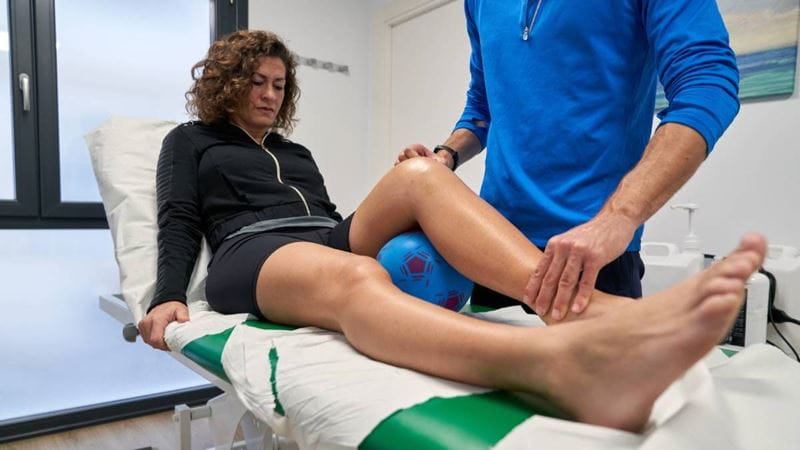
Recovery after meniscus surgery happens in stages. While many people follow a similar pattern, timelines can vary...
27 May 2026

Recovering from meniscus surgery? Learn how exercises progress from early movement to strength, with tips for safe recovery.
26 May 2026

Exercise during cancer treatment is not only safe, but it can also play an important role in helping your body cope with treatment.
14 May 2026

Whether you’re running, walking, or wheeling, HBF Run for a Reason start and finish lines will be buzzing with energy
14 April 2026

Whether you’re chasing a new PB or lacing up for your very first event, your body does a lot of heavy lifting as you run.
14 April 2026

Turning up for someone who is challenging themselves, no matter the distance, is a big deal and your sideline support is everything.
12 April 2026

Taking on the Specsavers 12km at HBF Run for a Reason challenges more than your legs.
1 April 2026
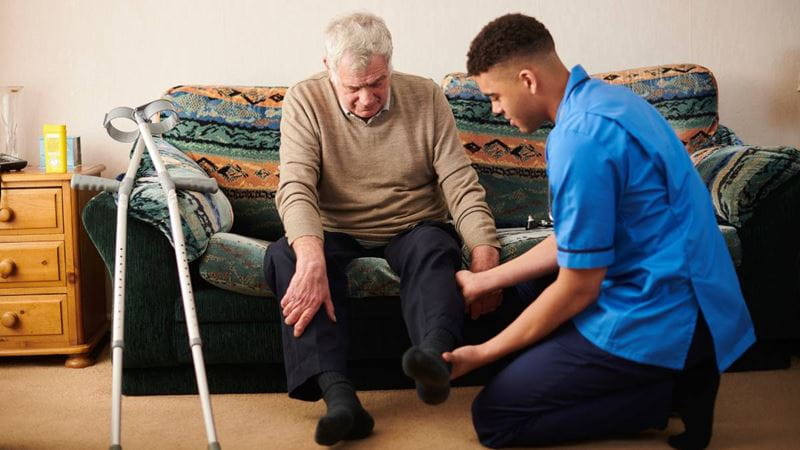
Exercise after a knee replacement plays an important role in restoring movement, strength and confidence over time.
1 April 2026

We reveal everything you need to know about the three financial incentives for getting private health insurance.
31 March 2026

Learn how mobility is gradually restored after shoulder surgery, why guided movement matters, and how physiotherapy supports safe recovery.
31 March 2026

Strength and conditioning after shoulder surgery is an important phase of rehabilitation.
29 March 2026

We look at the types of exercises commonly used after spinal fusion — and how they’re progressed.
29 March 2026

Recovery after spinal fusion surgery happens gradually, and timelines can vary.
29 March 2026