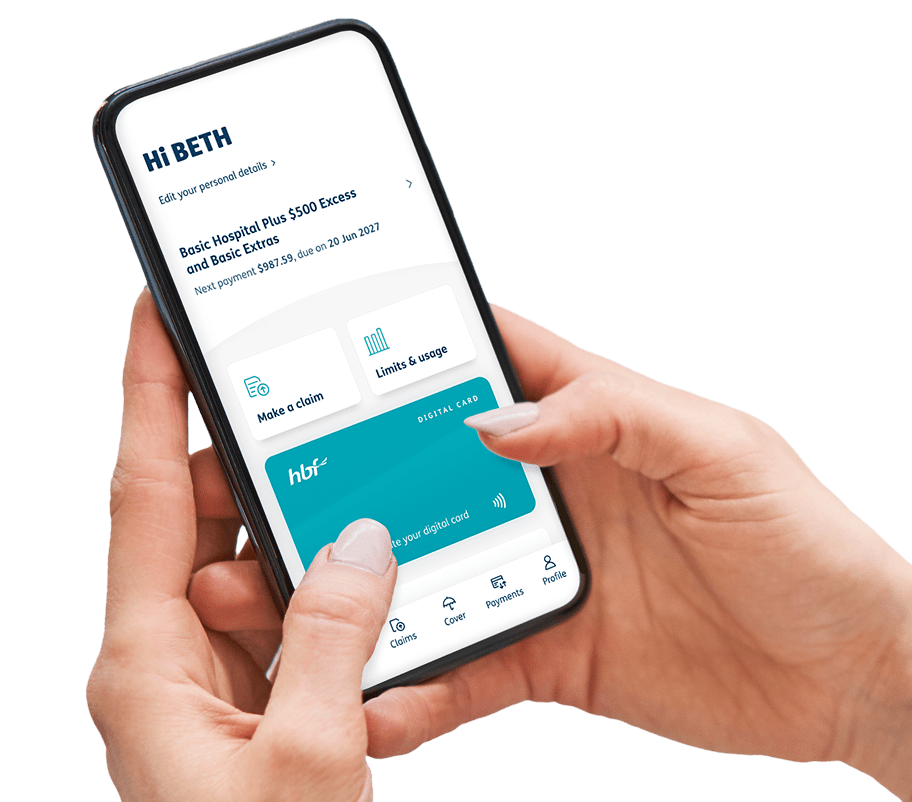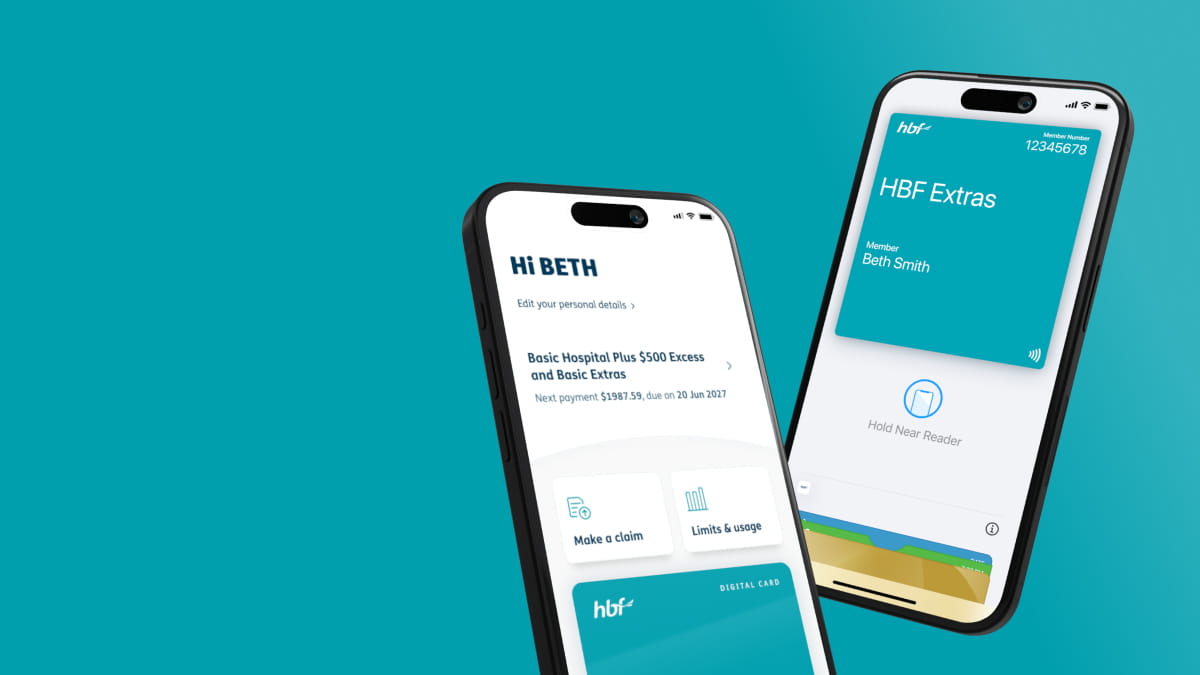
Your HBF card, now on your phone


Get the HBF App today
1. Register for myHBF first
We recommend that you first register for myHBF before you download the HBF app to make your onboarding experience smoother.
If you’re already registered for myHBF, use your existing myHBF log in details to access the HBF App.
2. Download the HBF App
Search for ‘HBF’ in the App Store or Google Play Store on your mobile. Tap to install the HBF App.
3. Open the HBF App
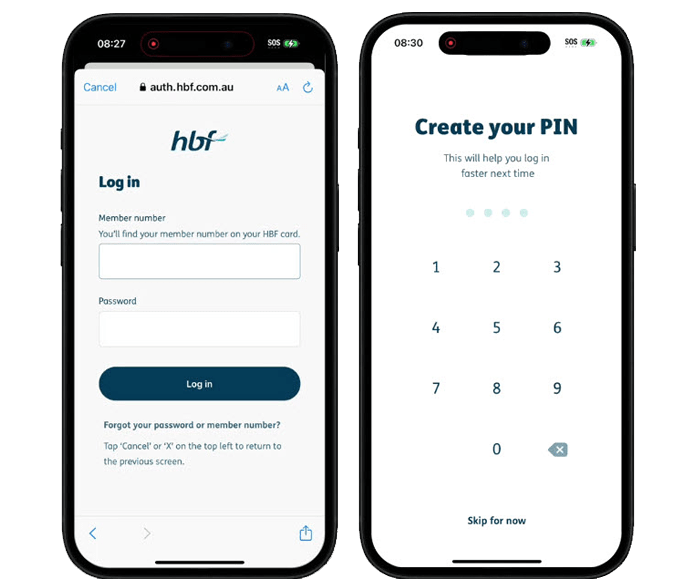
Log in using your member number and password you created for your myHBF account.
Once you have logged into the App, you will be prompted to use fingerprint identification or create a 4-digit PIN passcode. If you decide that you no longer want to use face or fingerprint identification simply visit settings within the app and turn it off. You must have a compatible phone to set up this feature.
4. Get the HBF digital member card and add to your phone
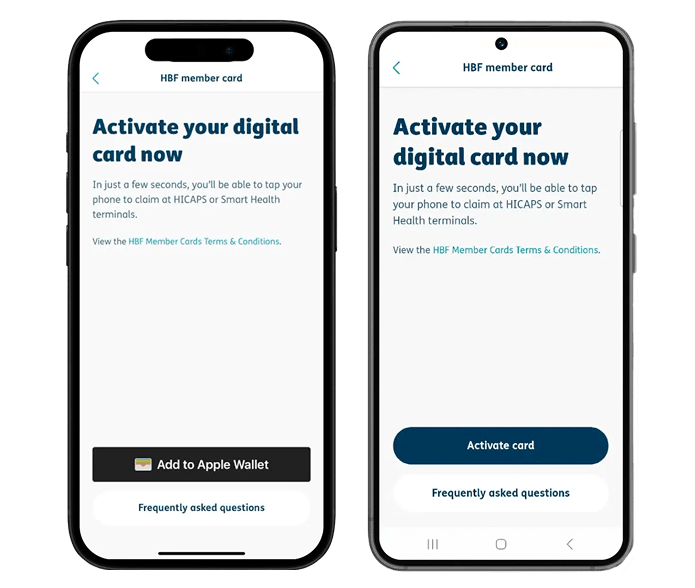
On the dashboard, scroll down to ‘Digital card’ and tap ‘Get your digital member card’. Read terms and conditions associated with the digital member card.
If you’re using an Apple device, tap on the ‘Add to Apple Wallet’ button at the bottom of the screen. Your digital member card is ready to use and can be found in your Apple Wallet.
If you’re using an Android device, you’ll need to open the HBF app to tap your HBF digital card and make claims on-the-go. You'll also need to enable NFC (Near Field Communication) on your Android phone.
Features our members love
Tap and claim in minutes
Check your extras on the go
Manage your cover

How to use the HBF App
How to claim with your HBF digital card
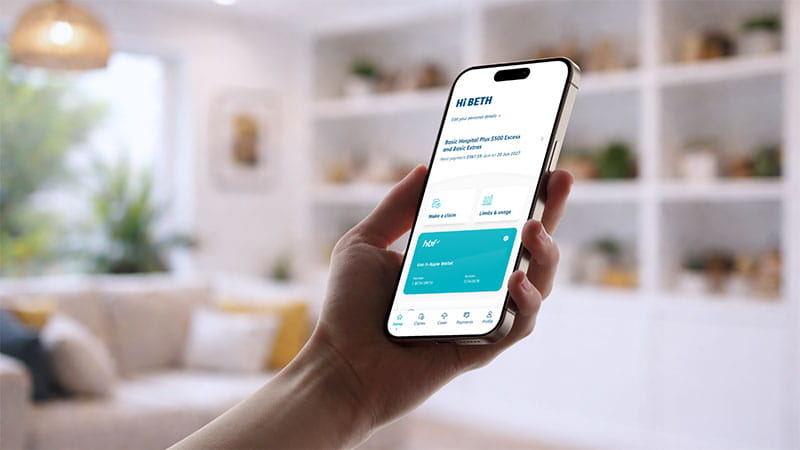
It’s easy to tap and claim with your phone at participating provider.
If you’re using an Apple device (iPhone or Watch), your digital member card can be found in your Apple Wallet. You can get your member ID number by tapping the 3 dots or from myHBF.
If you’re using an Android device, you’ll need to open the HBF app to tap your HBF digital card on the homepage and make claims on-the-go.
Download documents in the HBF App
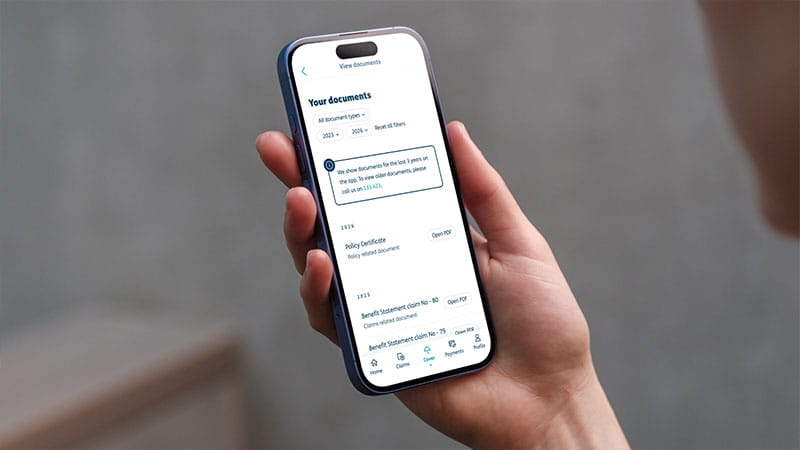
- Log into the HBF App
- Select ‘Cover’ from the main menu
- Tap ‘View my documents’
- Scroll through and download your relevant policy documents
Extra limits and usage
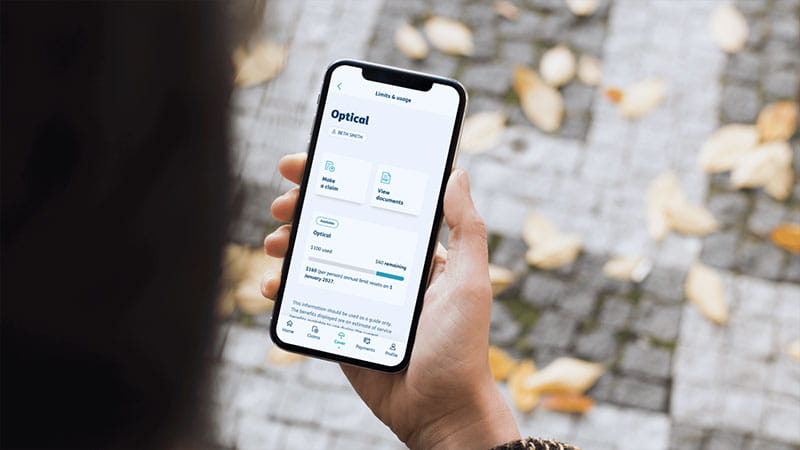
- Log into the HBF App
- Select ‘view limits and usage’ from the home screen, or ‘Cover’ from the main menu
- Tap ‘view limits and usage’
- Select a service to view a summary of your annual limit and how much you left to claim
Manage your details
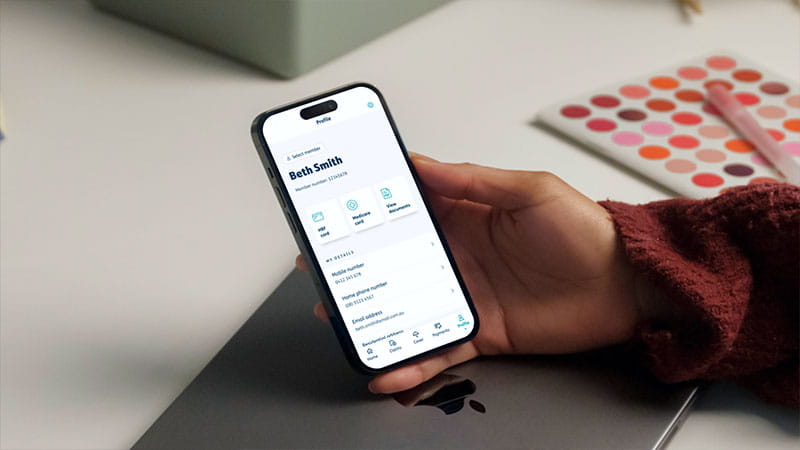
- Log into the HBF App
- Select ‘Profile’ from the main menu
- If you have multiple members on your policy, you can tap ‘Select member’ to choose whose details you would like to update
- Follow the prompts to view and update your details
Frequently asked questions
How do I sign up for the HBF App?
Can I use my face or fingerprint to login to the HBF App?
Yes. When you first login to the HBF App, you’ll be asked for your HBF member number and password. You’ll then be prompted to set up a PIN, and then whether you would like to allow fingerprint or facial recognition (if compatible with your phone) for an easier login experience next time.
If you decide that you no longer want to use face or fingerprint identification, simply tap the cog icon in the top right corner of the Profile menu within the HBF App to disable face or fingerprint identification.
What are the file requirements for submitting a claim through the HBF App?
Scanned copies or photographs of accounts can be submitted in PDF, GIF, PNG or JPEG formats. The maximum individual file size is 6.5mb; the maximum total upload size is 20mb.
Note: You will be sent an email confirmation once you have successfully submitted your claim.
What should I do if the HBF App isn't working on my phone?
If the HBF App isn’t working on your phone, please check the Apple Store or Google Play to check that your phone and its operating system meet the minimum requirements needed to run the app. If your phone is operating to the correct requirements, please try deleting and re-installing the app.
If you continue to experience issues, please contact us via email at mobile.app@hbf.com.au.
Why can't I see my extras limits and usage in the HBF App?
The 'limits and usage' feature is only available if you have extras cover and have served your waiting period(s).
How to delete your digital account?
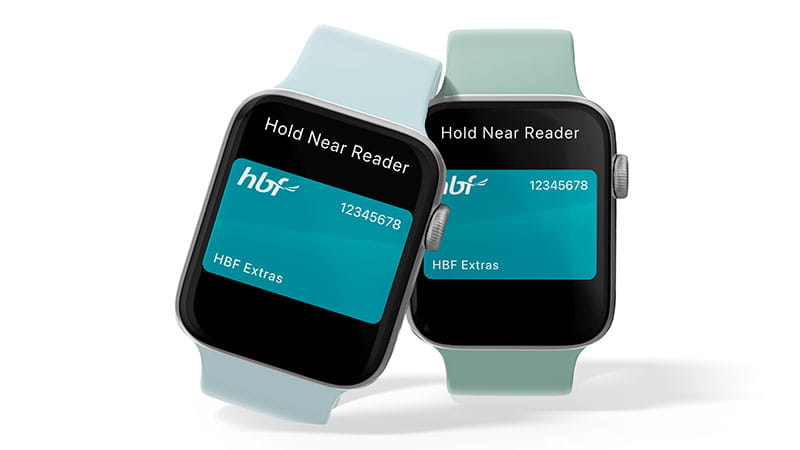
Tap and claim with your digital HBF card*
Download the HBF App today